

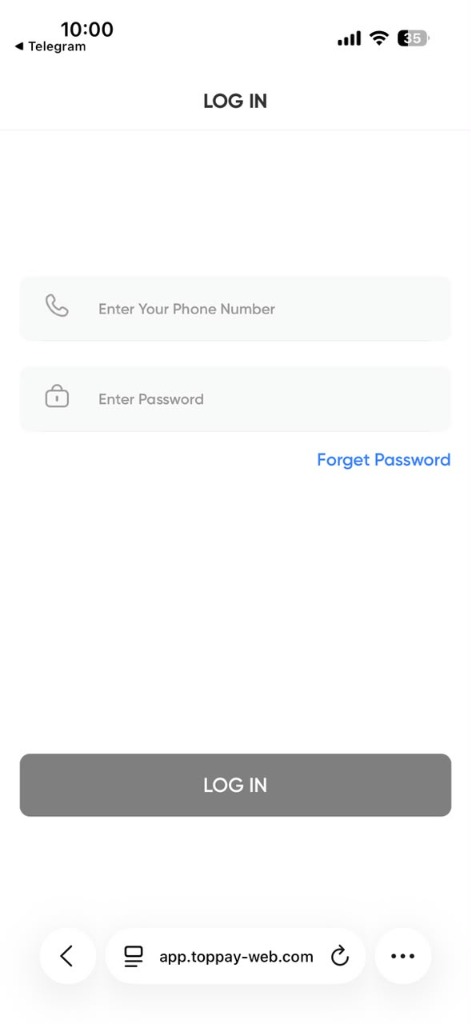
This page lists the official ways to reach Toppay support for the platform at toppay-app.online, and — equally important — how to recognise the fake support accounts that impersonate it.
Official contact channels
The channels below are the ones published by this platform. Any other account, number or address claiming to be Toppay support is not verified by us.
- In-account support — the most reliable route. Sign in at toppay-app.online and use the support or help option in your dashboard. Because you are already authenticated, your account is identified without you sending any credentials.
- Official Telegram channel — t.me/toppayofficial00
- Official Telegram support — t.me/bolintoppay1
Support operates in English and Hindi. Response time depends on volume, and queries that include complete transaction details are resolved considerably faster.
What to include in your message
Include all of this in the first message so nobody has to ask for it:
- Your registered mobile number — the number only, never the password.
- A clear description of the problem.
- The exact error message or status shown on your screen.
- Transaction reference, UTR, or blockchain transaction hash.
- The exact amount, and the date and time.
- For crypto: the network used (TRC20, ERC20, BEP20).
- A screenshot, with sensitive fields covered.
What to never include
There is no legitimate support process anywhere that requires any of these:
- Your account password.
- An OTP or verification code.
- Your MPIN.
- A wallet seed phrase or private key.
- Full card details or net-banking credentials.
If anyone asks for any of them, the conversation is fraudulent. Stop, and change your password from the official login page.
How to spot a fake Toppay support account
Impersonation accounts are the most common threat around payment brands. Genuine support behaves in specific, predictable ways — fakes break these patterns:
- They contact you first. Especially right after you post about a problem in a public group. Real support responds to your query; it does not go looking for you.
- They ask for credentials. Never legitimate, under any framing.
- They ask you to install something. Remote-access or screen-share apps hand over control of your device.
- They request an advance payment. A “processing fee”, “unlock fee” or “tax” to release your own funds is always fraud.
- They create urgency. “Act within 10 minutes or your account will be frozen” exists to stop you thinking.
- They use a near-identical username. Compare character by character against the handles listed above; an extra letter or a digit swapped for a lookalike is the standard trick.
Reporting fraud in India
If you have lost money to fraud, act immediately — the first hours matter most for any chance of recovery:
- Call the national cyber-fraud helpline: 1930.
- File a report at cybercrime.gov.in.
- Contact your bank straight away to flag the transaction.
- Preserve every screenshot, message and transaction reference as evidence.
And never pay anyone who offers to “recover” lost funds for an upfront fee. That is a second fraud that specifically targets victims of the first.
Before you contact us
Many issues are answered faster by the relevant guide: password and login recovery, the troubleshooting centre, deposits, withdrawals, or USDT transactions.
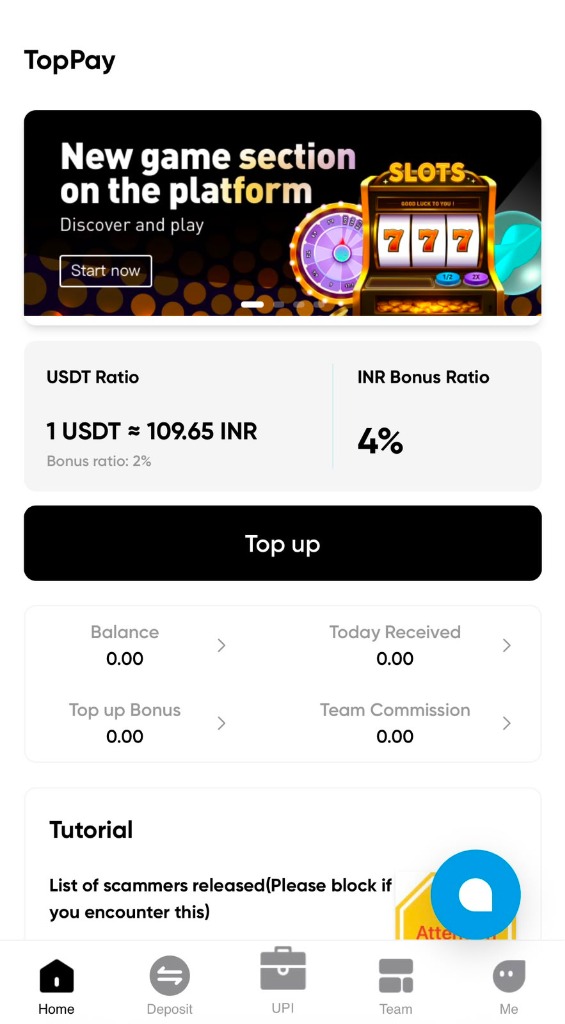
Toppay Error Messages Explained
A status message tells you two things: what the system did, and who has to act next. Most people read only the first part, then wait for something that was never going to happen on its own. This page decodes the Toppay statuses you are most likely to see, in plain language.
For each one: what it actually means, whether the platform or you must act, and how long it is reasonable to wait before treating it as a problem.
“Transaction pending” — the most misread status
Pending is not one state. It covers two completely different situations, and confusing them is what causes duplicate payments.
Stage one — not yet confirmed by the network. For a bank transfer this is the payment rail; for USDT it is the blockchain. Nothing about the platform affects this stage. The transaction is out of everyone’s hands until the network settles it.
Stage two — confirmed externally, not yet credited internally. The money has arrived but the platform has not attached it to your balance. This is the stage where a support query is useful, because there is now a reference that someone can look up.
You can tell the two apart yourself. For USDT, look up your transaction hash on the blockchain explorer — if it reads confirmed, you are in stage two. For a bank deposit, if your bank shows the debit completed, you are in stage two.
What pending never means: that the transaction failed and should be repeated. Sending again during stage one nearly always results in both transfers landing.
“Invalid credentials” or “incorrect password”
This message means the submitted combination did not match — it does not tell you which field was wrong, and that ambiguity matters. The phone number being wrong produces the identical message as the password being wrong.
It also appears when your password is entirely correct but you are on a copycat domain. If this message appears unexpectedly, check the address bar reads toppay-app.online before trying again.
Full recovery steps: Toppay password help.
“Account locked” or “too many attempts”
This is a rate limit, not a ban. It triggers after repeated failed sign-ins and exists to stop someone guessing their way into your account.
The important detail: on most systems the lockout timer restarts with each further attempt. Continuing to try is the one action that reliably extends it. Stop, wait out the stated window, then use password recovery rather than guessing again.
“Withdrawal rejected”
Rejected means the request was evaluated and refused — which is different from failed. Your funds return to your balance rather than disappearing. The stated reason is usually one of:
- Name mismatch — the destination account holder does not match your registered name. Third-party withdrawals are refused by design.
- Limit breach — above a per-transaction or daily ceiling, or below the minimum.
- Verification incomplete — a required account check has not been finished.
- Destination details invalid — account number, IFSC or wallet address failed validation.
Rejection is fixable. Correct the stated cause and resubmit. Detail on limits and destinations: Toppay withdrawal guide.
“Transaction failed” — and why it is better news than pending
Failed means the transaction did not execute. On a blockchain this usually indicates insufficient gas; on a payment rail, a declined authorisation. Counter-intuitively this is the easier outcome: nothing moved, so nothing needs recovering. Your funds stay where they were, minus any network fee already spent.
“Insufficient balance” when your balance looks sufficient
Almost always the network fee. A withdrawal deducts the amount plus the fee, so a balance exactly equal to the amount you typed is short. Reduce the amount slightly and retry.
The other cause is an unsettled credit — a recent deposit that is visible but not yet fully available.
“Address not found” on a blockchain explorer
If an explorer cannot find your transaction hash, the hash is almost never the problem — the explorer is. Tronscan cannot see Ethereum transactions and Etherscan cannot see Tron ones. Check which network you actually sent on and use that network’s explorer.
If the correct explorer genuinely has no record, the transaction was never broadcast, and the funds are still in your sending wallet.
“Deposit not credited” after the stated time
Before treating this as an error, confirm three things independently of the platform: the money actually left your account, it went to the destination shown on your own signed-in screen, and the amount met the stated minimum. Deposits below a minimum frequently do not credit automatically.
If all three check out and the window has passed, you have a genuine case with a reference number attached. That is exactly when to raise it.
Messages that are not from Toppay at all
Some “errors” people report never came from the platform. Treat any of the following as fraud regardless of how official the message looks:
- A demand to pay a fee before funds can be released. Real fees are deducted from the amount, never collected separately in advance.
- An “account verification” message asking you to confirm your password or OTP.
- A message instructing you to install a screen-sharing or remote-access app to fix an error.
None of these are system statuses. They are scripts. How to verify who you are actually talking to: Toppay customer care.
When a status means you should wait, not act
A useful default: if the network has not yet confirmed, waiting is the correct action and any other action makes things worse. If the network has confirmed but your balance has not moved, acting is correct and waiting silently just delays the fix.
That single distinction resolves most of the anxiety around these messages — and prevents the expensive mistake of sending a second time.
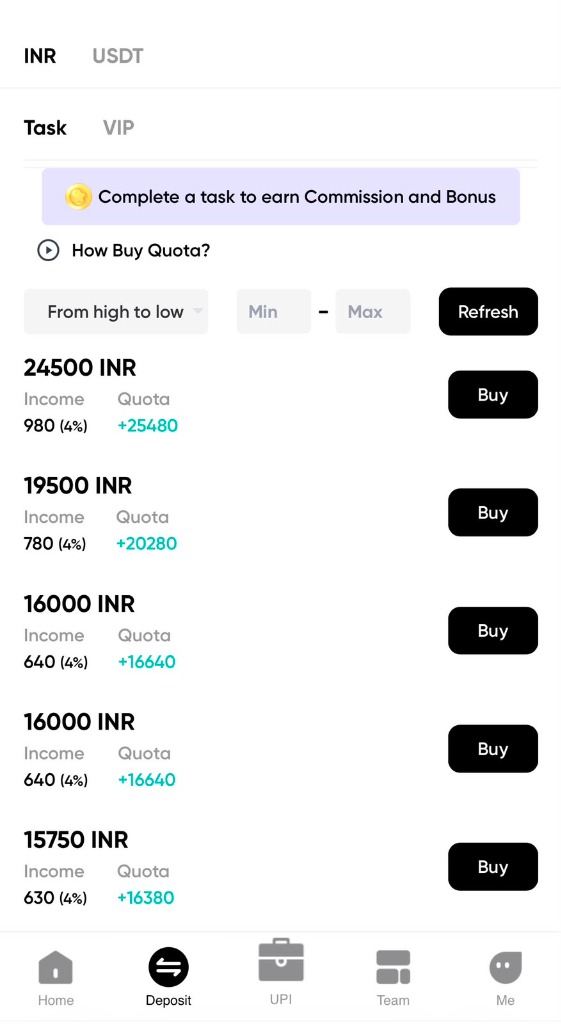
Toppay Guides
Toppay (also written as Top pay or TopPay) is a mobile-friendly payment account platform. This page is the central guide hub for everything on the official Toppay website at toppay-app.online — the Toppay login, the Toppay app and Toppay APK question, Toppay USDT deposits and withdrawals, password recovery, and the honest answer to the common search “Toppay real or fake”.
If you are not sure which page you need, start here. Every guide below is written for one specific task, so you can go straight to the answer instead of reading everything.
Start with the Toppay login
The account entry point for this platform is the Toppay login page on this same domain. Before you type a phone number or password, check that your browser address bar shows exactly toppay-app.online. Payment brands are commonly copied by look-alike domains, and the address bar is the single most reliable check available to you.
The login itself only needs two things: the registered phone number and the account password. If either one does not work, do not keep retrying — go to the Toppay password help guide instead.
Toppay app and Toppay APK
One of the most searched phrases around this brand is Toppay app download and Toppay APK. The short answer: the Toppay app experience on this domain is delivered as a responsive web application, so it opens directly in any modern mobile browser and you can add it to your home screen without installing anything.
Read the full explanation, including why unverified APK files are risky, in the Toppay APK and app access guide and the Toppay app download guide.
Toppay USDT: deposits, withdrawals and networks
Toppay USDT is the second-largest search cluster for this brand. USDT transfers are irreversible, so a single wrong network selection or a mistyped wallet address can result in permanent loss. Before any transfer, read:
- Toppay USDT guide — network selection, address checks, confirmations
- How to deposit USDT on Toppay — step-by-step deposit checklist
- Toppay withdrawal guide — what to verify before you withdraw
- USDT to INR converter — estimate the INR value before you commit
Account and app access
Use these guides for day-to-day account questions.
- How to use Toppay — a first-time orientation to login and dashboard
- About Toppay — what the platform is and what it is not
- Toppay password help — reset and recovery, safely
- Toppay customer care — the official support channels
Deposit and payment guides
- How to deposit on Toppay — the general deposit checklist
- How to deposit USDT on Toppay — crypto-specific checks
Is Toppay real or fake?
Because the name “Toppay” is used by several unrelated apps and websites worldwide, a lot of people search Toppay real or fake before they sign up. That question deserves a direct, evidence-based answer rather than marketing copy, so it has its own page: Toppay real or fake — safety and verification checks.
Hindi guide
अगर आप हिंदी में पढ़ना चाहते हैं, तो Toppay क्या है — पूरी हिंदी गाइड देखें। उसमें login, app, USDT और safety checks सब हिंदी में समझाए गए हैं।
How to use this guide hub
Every page on this site follows the same structure: a direct answer at the top, the steps or checks in the middle, and frequently asked questions at the bottom. Nothing on these public pages ever asks for your password, OTP or MPIN — if any page claiming to be Toppay asks for those outside the signed-in login form, close it immediately.
These guides describe general checks and safe practice. The current source of truth for your own balance, rates, fees and available features is always the screen inside your own signed-in account.
Last updated: 2026-08-22 · Published by TopPay · Read the disclaimer